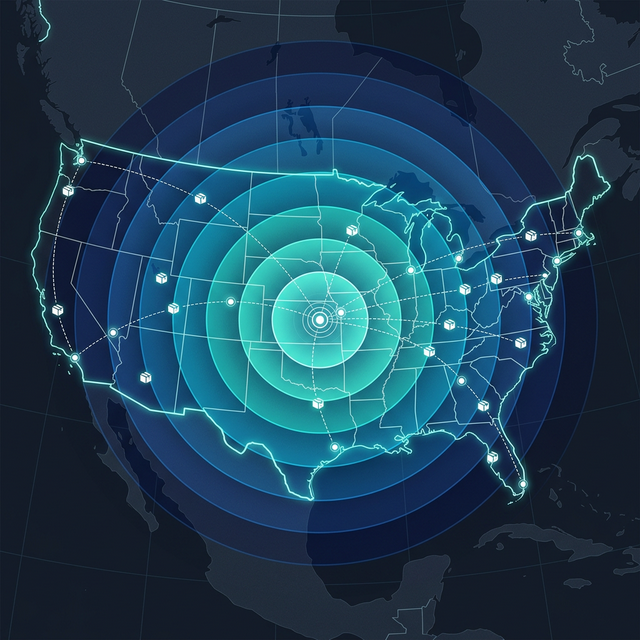
The Zone Assignment Process
Shipping zones aren’t arbitrary — they’re based on the geographic distance between the origin zip code and destination zip code. Each carrier uses its own algorithm, but the general process is:
- Map the origin zip code to a geographic region
- Calculate the distance to the destination zip code
- Assign a zone number (2–8 for domestic) based on distance bands
Zone Distance Bands (Approximate)
| Zone | Distance from Origin |
|---|---|
| Zone 2 | 0–150 miles (local/regional) |
| Zone 3 | 150–300 miles |
| Zone 4 | 300–600 miles |
| Zone 5 | 600–1,000 miles |
| Zone 6 | 1,000–1,400 miles |
| Zone 7 | 1,400–1,800 miles |
| Zone 8 | 1,800+ miles (cross-country) |
Important: Zones are determined by the carrier’s sort facility, not necessarily the straight-line distance between zip codes. A package may pass through sort centers that add effective distance.
Finding Your Zone Chart
Both UPS and FedEx provide zone lookup tools:
UPS
- Visit ups.com → “Calculate Time & Cost”
- Enter origin zip code
- View the zone chart mapping every destination zip prefix to a zone
FedEx
- Visit fedex.com → “Rate & Transit Times”
- Enter origin and destination
- Zone is displayed with the rate quote
Both carriers also publish downloadable zone chart files (CSV or PDF) that map every 3-digit zip prefix to a zone for each origin.
Why UPS and FedEx Zones Can Differ
The same origin-destination pair can have different zone assignments between UPS and FedEx. This happens because:
- Different sort facility networks — Each carrier routes packages through its own hub system
- Different distance calculations — The “distance” is the carrier’s operational distance, not straight-line
- Regional processing differences — How packages flow through each network varies
These zone differences can lead to meaningful cost differences between carriers for the same shipment. Rate-shopping both carriers for each shipment can capture these savings.
Intra-Zone Pricing
Zone 2 — the lowest zone — covers the largest geographic area in terms of variability. Some carriers offer intra-zone or local pricing for packages that stay within a very small radius:
- Same-city shipments may receive even lower rates than standard Zone 2
- Some contracts include Zone 2 sub-tiers with additional discounts
How Zone Distribution Drives Strategy
Your zone distribution — the percentage of packages going to each zone — is one of the most important strategic metrics:
Calculating Your Zone Distribution
- Export your shipping data for a representative period
- Count packages by destination zone
- Calculate the percentage in each zone
Interpreting Your Results
- 60%+ in Zones 2–4: Strong regional concentration → optimize local rates
- 30%+ in Zones 6–8: National distribution → consider multi-warehouse strategy
- Even spread: Diversified customer base → warehouse placement critical
The Bottom Line
Zone assignments are the foundation of rate calculation, and understanding your zone chart is essential for cost management. Since UPS and FedEx can assign different zones to the same lane, rate-shopping between carriers can yield savings without any negotiation effort.
Want to visualize your zone distribution? Upload one invoice to ShipMint’s Instant Analysis — free.