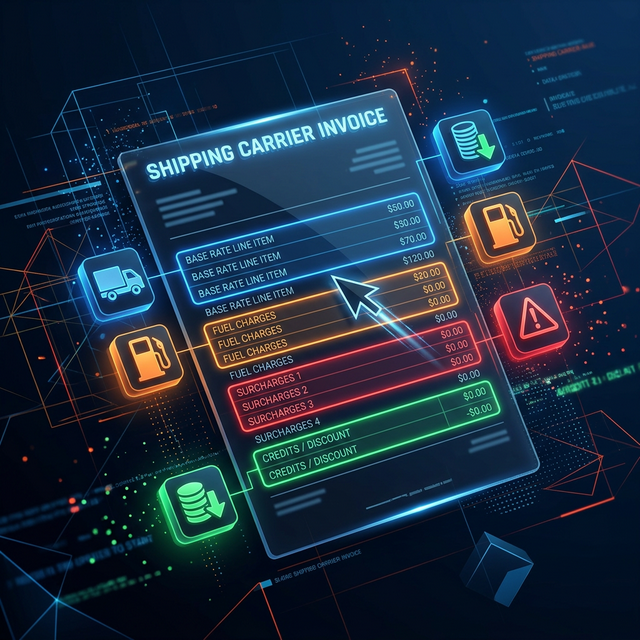
UPS Invoice Structure
UPS invoices are issued weekly and organized into several sections:
Header Information
| Field | Description |
|---|---|
| Account Number | Your UPS account ID |
| Invoice Number | Unique invoice identifier |
| Invoice Date | Date generated |
| Due Date | Payment due date (typically Net 15) |
| Billing Period | Ship dates covered (usually 7 days) |
Shipment Detail
Each package on the invoice shows:
- Tracking number and ship date
- Origin and destination zip codes
- Service level used
- Actual weight and billed weight (if DIM applies)
- Zone assigned
Charge Line Items
Every charge is itemized per package:
| Code | Description | Typical Amount |
|---|---|---|
| SHP | Transportation (base rate) | Varies by weight/zone |
| FSC | Fuel surcharge | % of SHP |
| RES | Residential delivery | $6.45 |
| DAS | Delivery area surcharge | $4.00–$6.50 |
| EAS | Extended area surcharge | $5.00+ |
| AHS | Additional handling | $33.00+ |
| LPS | Large package surcharge | $115.00 |
| ADC | Address correction | $18.00 |
| SIG | Signature required | $7.15–$8.65 |
| DV | Declared value | Varies |
| PKP | Peak surcharge | Varies |
| SAT | Saturday delivery | $16.00 |
| ADJ | Billing adjustment | Varies |
| VOI | Void/credit | Negative amount |
Understanding Billing Adjustments
Adjustments appear when UPS re-measures or reclassifies a package after initial billing. Common adjustments:
- Weight/DIM adjustment: Scanner measured higher dimensions → package re-rated at higher DIM weight
- Address reclassification: Address changed from commercial to residential → residential surcharge added
- Service correction: Package re-classified to a different service level
- Late pickup credit: Refund for missed scheduled pickup
Adjustments appear on a subsequent invoice — not the same one as the original charge. This makes reconciliation challenging at high volumes.
Where to Find Your UPS Invoice
| Method | Details |
|---|---|
| UPS Billing Center | ups.com → Log in → Billing → View Invoices |
| CSV download | Available for detailed analysis in Excel |
| PDF download | Formatted invoice for accounting |
| EDI | Electronic data interchange for enterprise systems |
| API | UPS Billing API for automated retrieval |
Common Billing Errors to Watch
- Duplicate charges: Same tracking number billed twice
- DIM weight overcounting: Scanner dimensions exceeding actual box size
- Missing discounts: Contract discounts not applied after account changes
- Incorrect service level: Ground billed as 2nd Day Air after rerouting
- Residential misclassification: Business addresses flagged as residential
- Missing GSR credits: Late deliveries not automatically credited
The Bottom Line
Your UPS invoice is a data goldmine — but only if you know how to read it. At minimum, review the adjustment section every billing period and spot-check discount application. For shippers at 500+ packages/week, automated audit tools pay for themselves within the first invoice cycle.
Upload one invoice to ShipMint’s Instant Analysis for an automated review — free.